TIRO360 Control
Plan rosters, dispatch work, monitor site coverage and approve attendance with a clear audit trail.

TIRO360 · CONTROL · WORKER · CLIENT
Plan shifts, dispatch jobs and review attendance in TIRO360 Control. Keep your team connected with TIRO360 Worker and share approved work through TIRO360 Client.
Built for the people who get the work done.
ONE CONNECTED OPERATION
The right tools for every part of your team.
Plan rosters, dispatch work, monitor site coverage and approve attendance with a clear audit trail.
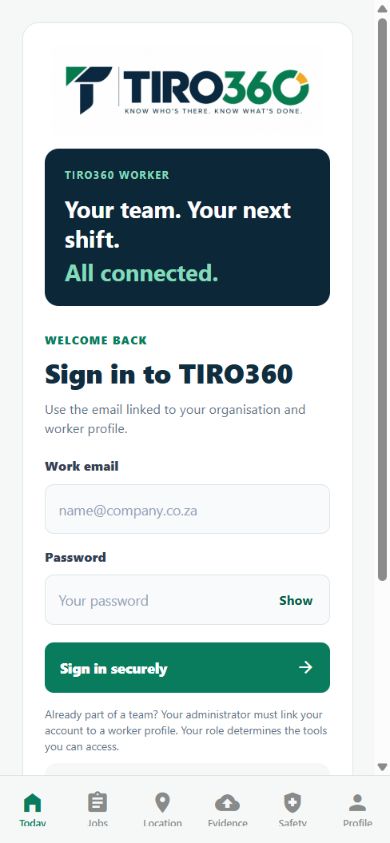
See assigned shifts and jobs, clock in and out, capture evidence and report work from the field.
Give authorised clients access to approved work, service requests and shared site coverage.
A SIMPLE START
Already part of a team? Ask your administrator for an invitation.
FROM ARRIVAL TO ACCOUNTABILITY
Bring location, photographs and task records together for supervisor review. Available checks depend on your site configuration. Missing or uncertain evidence is flagged for review.
Know who’s there. Know what’s done.